
Clear out your ChatGPT history in a minute
ChatGPT lets you delete chats one at a time, or all of them at once. Bulk Delete Chats lets you pick exactly which ones go, then deletes or archives them together. Free, no limits, no sign-up.
ChatGPT lets you delete chats one at a time, or all of them at once. Bulk Delete Chats lets you pick exactly which ones go, then deletes or archives them together. Free, no limits, no sign-up.
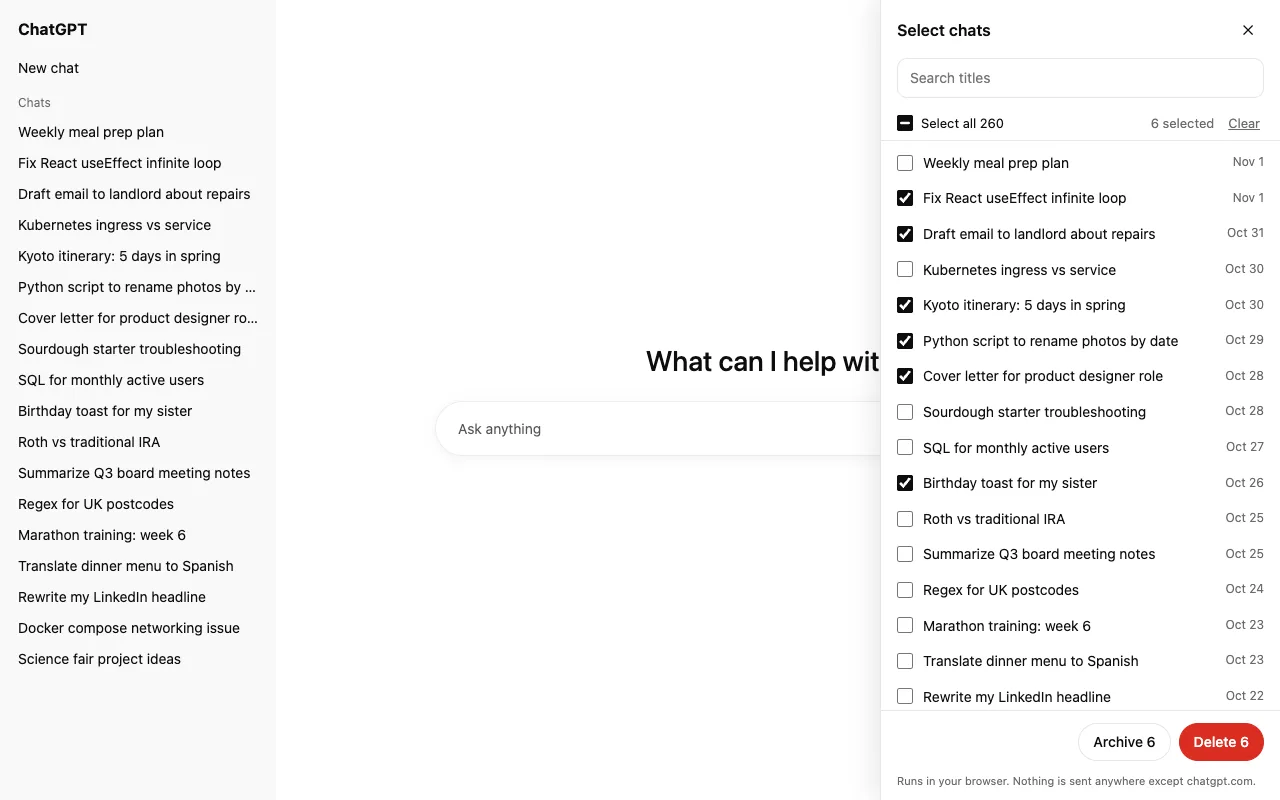
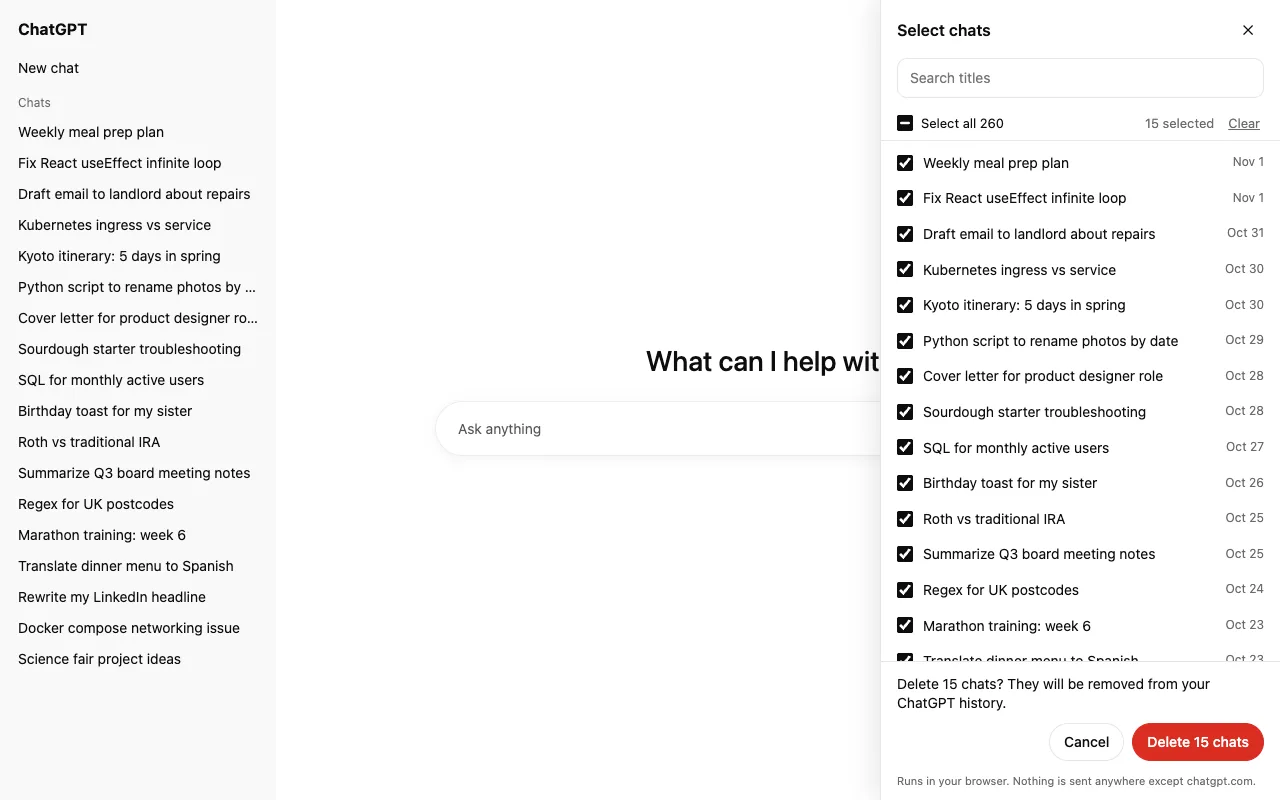
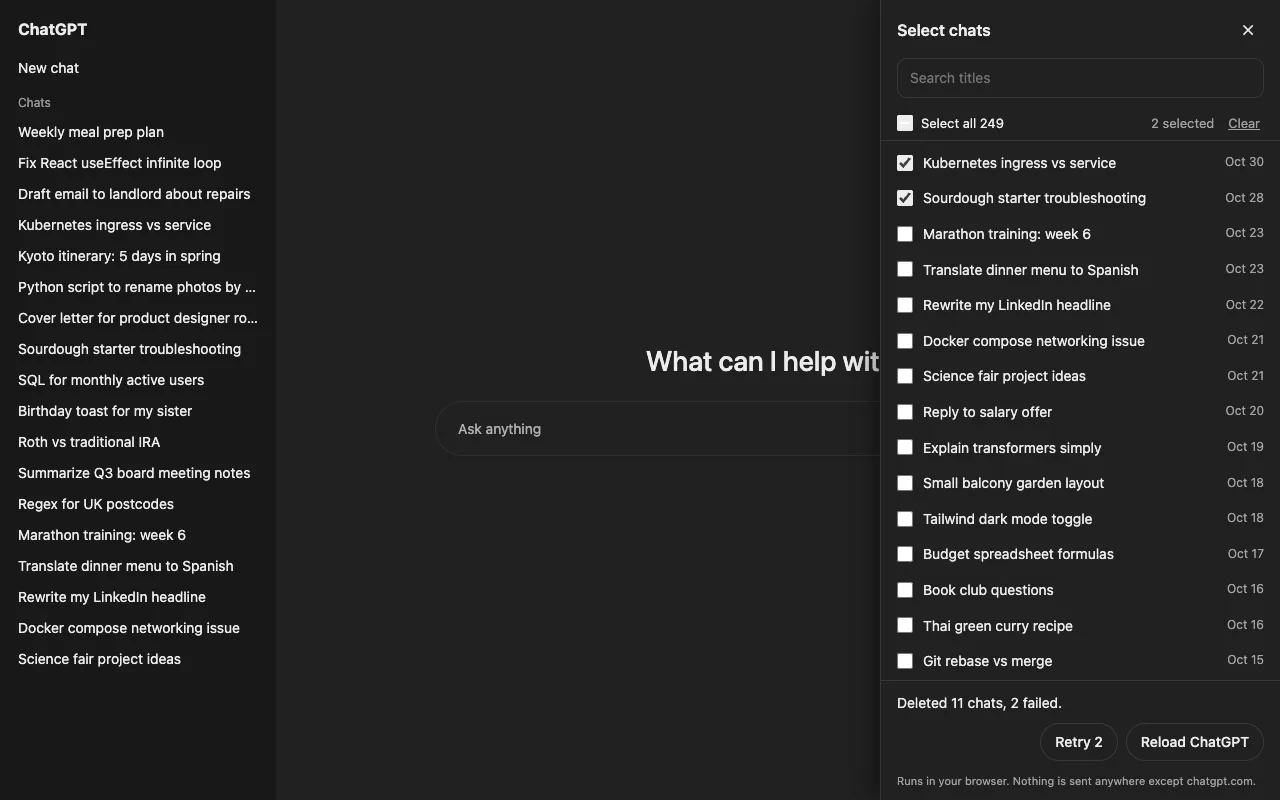
Archive if you might want a chat back: archived chats can be restored in ChatGPT under Settings › Data controls › Archived chats. Delete is permanent.
You can, if you want everything gone. It's in Settings › Data controls. This extension is for keeping the chats you care about and clearing the rest.
The extension runs only on chatgpt.com and only when you click it. It makes the same requests the ChatGPT site makes when you delete a chat yourself. Nothing is sent to us or anyone else. Privacy policy.
No daily caps and no paid tier. Requests are paced so ChatGPT doesn't throttle you; large batches just take a little longer.